
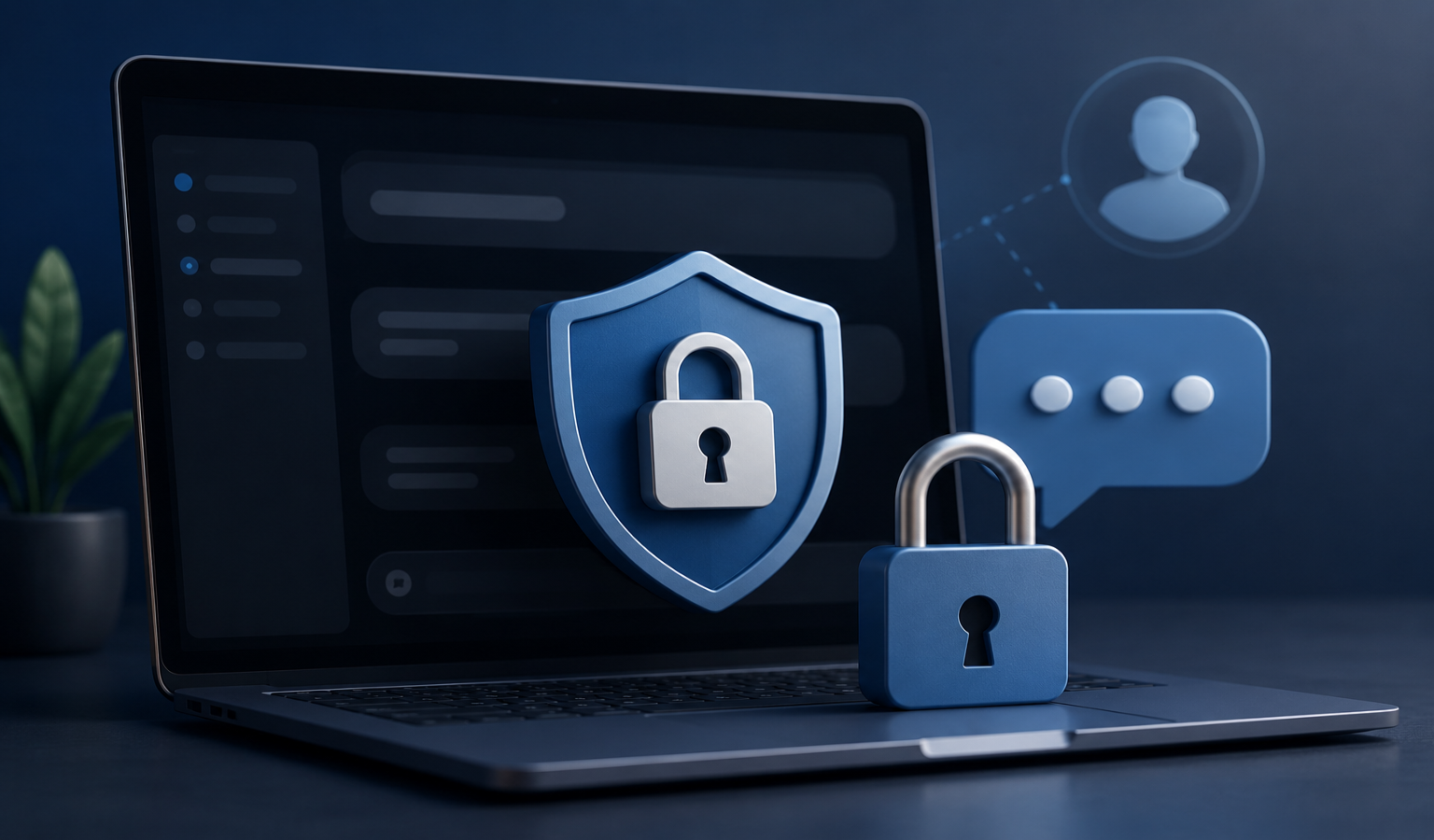
How to have password-protected chats in Claude is a common question among users who want stronger privacy and security for their AI conversations. Online privacy has become more important than ever. Many users rely on AI assistants for personal conversations, business discussions, research projects, and confidential information. Because of this, people often ask how to have password-protected chats in Claude and whether Claude offers additional security features for private conversations.
If you use Claude regularly, protecting your chats should be a priority. Whether you are discussing sensitive business data, personal notes, client information, or creative projects, understanding how to have password-protected chats in Claude can help you maintain privacy and keep your information secure.
In this guide, you will learn everything about Claude chat security, available privacy options, account protection methods, and practical ways to safeguard your conversations.
Why Users Want Password-Protected Chats in Claude
As artificial intelligence becomes a larger part of everyday life, more users are looking for ways to protect their conversations. Another reason users want password-protected chats in Claude is the growing use of shared devices. Many people access AI tools from office computers, family laptops, or public workspaces. In these situations, an extra password for individual chats would provide greater control and prevent unauthorized viewing of important discussions.Password-protected chats are viewed as an important feature that can improve confidence, security, and peace of mind while using Claude.
- Business strategies
- Client information
- Personal notes
- Research documents
- Creative writing drafts
- Project plans
As AI tools become part of daily workflows, the demand for stronger security continues to grow.
Many users want an additional password layer before opening specific conversations. This extra protection prevents unauthorized access, especially on shared devices.
Does Claude Currently Offer Password-Protected Chats?
At the time of writing, Claude does not provide a built-in feature that allows users to add individual passwords to specific chat conversations.
This means:
- You cannot lock individual chats with a separate password.
- You cannot create unique passwords for selected conversations.
- Claude currently relies on account-level security.
However, there are several ways to improve privacy and secure your Claude account effectively.
How to Have Password-Protected Chats in Claude Using Account Security
While individual chat passwords are not available, protecting your account creates a strong security barrier.
Use a Strong Password
Your Claude account password should be:
- At least 12 characters long
- A mix of uppercase and lowercase letters
- Include numbers
- Include symbols
Avoid using:
- Birth dates
- Phone numbers
- Common words
- Reused passwords
Strong passwords significantly reduce unauthorized access risks.
Enable Two-Factor Authentication
Two-factor authentication adds another layer of protection.
With 2FA enabled:
- Enter your password.
- Verify your identity using a second method.
- Access your account securely.
Even if someone learns your password, they cannot easily access your account without the second verification step.
Protecting Claude Chats on Shared Devices
Many people access Claude from work computers, family laptops, or public devices.
If you share a device, follow these practices.
Always Log Out
Never leave your account signed in.
After finishing your session:
- Log out completely
- Close the browser
- Clear temporary data if needed
This simple habit prevents accidental access.
Use Device Passwords
Your device should have:
- Windows password
- Mac login password
- Mobile screen lock
- Fingerprint protection
- Face recognition
These security layers protect your Claude chats from unauthorized users.
Browser-Based Protection for Claude Conversations
A browser is often the main access point for Claude.
Several security settings can improve privacy.
Create Separate User Profiles
Modern browsers allow multiple profiles.
You can create:
- Personal profile
- Work profile
- Client profile
Each profile remains isolated from others.
This helps keep Claude conversations organized and secure.
Use Password-Protected Browser Profiles
Some browsers support profile-level security through operating system authentication.
Benefits include:
- Additional access control
- Better privacy
- Reduced accidental exposure
This acts similarly to password-protected chats.
Using Password Managers for Claude Security
Password managers provide excellent protection.
Popular options include:
- Bitwarden
- 1Password
- Dashlane
- LastPass
Benefits include:
- Strong password generation
- Secure password storage
- Automatic login protection
- Reduced password reuse
A password manager strengthens overall Claude account security.
Best Privacy Practices for Claude Users
Even without dedicated chat passwords, you can maintain a high level of privacy.
Avoid Sharing Sensitive Data
Think carefully before sharing:
- Banking details
- Credit card numbers
- Personal identification documents
- Private credentials
Keeping sensitive information offline remains the safest approach.
Review Conversation History
Regularly check your chat history.
Delete conversations that are:
- No longer needed
- Outdated
- Contain sensitive information
This reduces potential exposure.
Secure Your Email Account
Your Claude account security depends heavily on your email account.
Protect your email with:
- Strong passwords
- Two-factor authentication
- Recovery methods
If someone gains access to your email, they may also gain access to your AI accounts.
How Businesses Can Secure Claude Conversations
Organizations often use Claude for:
- Content creation
- Research
- Customer support
- Internal documentation
Business users should implement additional security measures.
Create Access Policies
Define clear rules regarding:
- Who can access Claude
- What information can be shared
- How data should be handled
Policies reduce security risks.
Train Employees on Security
Employee education is critical.
Training should cover:
- Password security
- Phishing awareness
- Safe data sharing
- Device protection
Human error remains one of the biggest security threats.
Alternative Ways to Lock Claude Conversations
If you specifically need password-protected chats, consider these alternatives.
Secure Notes Applications
Store sensitive AI outputs in secure note apps such as:
- Encrypted note applications
- Password-protected document managers
- Secure knowledge bases
This creates an additional protection layer.
Encrypted Storage Solutions
Move important Claude conversations to encrypted storage.
Examples include:
- Encrypted folders
- Secure cloud storage
- Password-protected archives
This helps protect valuable information.
Future Possibilities for Password-Protected Chats in Claude
As AI adoption grows, privacy expectations continue to increase.
Future security features may include:
- Individual chat locks
- PIN-protected conversations
- Biometric verification
- Encrypted chat folders
- Private workspaces
Many users continue requesting stronger conversation-level protection.
These features could become available in future updates.
Common Mistakes That Reduce Claude Security
Avoid these mistakes.
Using Weak Passwords
Weak passwords remain a major security risk.
Examples:
- Password123
- 12345678
- YourName2026
Always create unique credentials.
Staying Logged In Everywhere
Leaving active sessions open increases risk.
Review active devices regularly.
Sign out of devices you no longer use.
Sharing Accounts
Never share Claude accounts with others.
Shared access increases the chance of unauthorized viewing of conversations.
Individual accounts provide better privacy and accountability.
Benefits of Securing Claude Chats
Improved security offers several advantages.
Better Privacy
Your conversations remain confidential.
Reduced Risk
Unauthorized access becomes more difficult.
Professional Protection
Business information stays safer.
Peace of Mind
You can use Claude confidently knowing your account is protected.
Final Thoughts
Many users search for how to have password-protected chats in Claude because privacy is becoming increasingly important. While Claude does not currently offer built-in password protection for individual conversations, there are many effective ways to secure your account and protect sensitive information.
Using strong passwords, enabling two-factor authentication, securing devices, protecting email accounts, and following smart privacy practices can provide excellent protection. Until dedicated chat-lock features become available, these methods remain the best way to keep your Claude conversations secure and private.
By implementing these security measures today, you can confidently use Claude while maintaining control over your personal and professional information.
Frequently Asked Questions (FAQs)
Currently, Claude does not offer a built-in feature that allows users to password-protect individual conversations. Security is managed at the account level rather than the chat level.
You can improve security by using a strong password, enabling two-factor authentication, securing your email account, and logging out when using shared devices.
Claude may offer additional account security features depending on your account type and region. Check your account settings regularly for the latest security options.
Users want password-protected chats in Claude to protect personal information, business discussions, confidential documents, research data, and creative projects from unauthorized access.
Claude conversations are generally protected through account security measures. However, users should always follow best practices and avoid sharing highly sensitive information.
There is no direct chat-lock feature in Claude. However, you can secure your device, use password-protected browser profiles, and log out after each session to help protect your conversations.
The best approach includes using a unique password, enabling two-factor authentication, protecting your email account, and regularly reviewing your account activity.
Yes, businesses can use Claude more securely by implementing strong access controls, employee security training, secure devices, and clear data-handling policies.
There has been growing demand for conversation-level security. While no official timeline has been announced, future updates may include chat locks, PIN protection, or other privacy-focused features.
Yes. Password managers help create and store strong passwords securely. They also reduce the risk of password reuse and improve overall account protection.