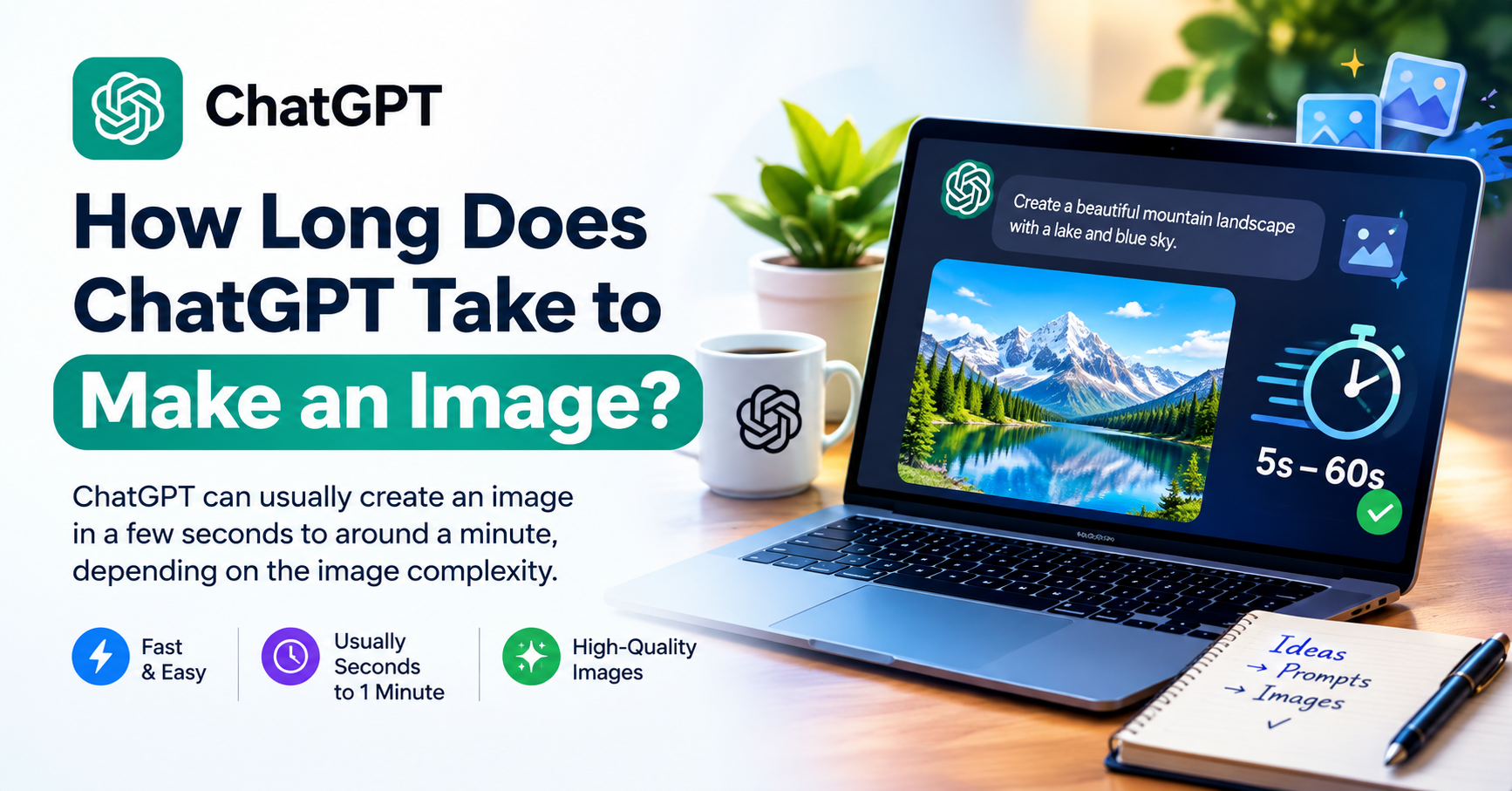
How long does ChatGPT take to make an image? In most cases, you should expect the image to be generated within a few minutes. However, there is no fixed generation time because the process can vary depending on the complexity of your request and the type of image you want to create.
ChatGPT Images can create new images from text prompts and edit existing images. OpenAI says image generation may take a few minutes depending on the complexity of the request. You can also continue using ChatGPT while the image is being generated.
So why does one image appear quickly while another takes longer?
The answer usually comes down to the prompt, the number of visual details, editing requirements, and the type of output you are requesting.
How Long Does ChatGPT Take to Make an Image?
For a typical image request, ChatGPT may take a few minutes to complete the generation. OpenAI does not provide one guaranteed time that applies to every image because generation speed can vary from request to request.
For example, a simple request such as:
“Create a realistic photo of a laptop on a wooden desk.”
is relatively straightforward.
A more demanding request might ask for several characters, a specific camera angle, realistic lighting, detailed backgrounds, multiple objects, branding, and text.
The second request contains many more requirements, so the generation process can be more involved.
The important thing to remember is that a few minutes is a practical expectation, not a guaranteed timer.
How Long Does ChatGPT Take for a Simple Image?
Simple image requests are generally easier to describe and process than highly detailed scenes.
You might ask ChatGPT to create:
- A simple landscape
- A product image
- A cartoon character
- A technology illustration
- A social media background
- A basic blog feature image
These requests typically contain fewer visual constraints.
However, even a simple request may not always finish at exactly the same speed. Generation time can change depending on the request and current system conditions.
How Long Does a Detailed ChatGPT Image Take?
Detailed prompts can require more work because they contain more visual instructions.
For example:
“Create a photorealistic golden retriever sitting in a modern city park during sunset, with detailed fur, autumn trees, people walking in the background, warm natural lighting, cinematic composition, and a 16:9 landscape format.”
This prompt specifies the subject, environment, lighting, background, composition, and format.
A highly detailed cinematic scene may therefore take longer than a basic image request.
OpenAI’s API documentation separately notes that complex prompts may take up to about two minutes to process in its GPT Image workflows. This API timing should not be treated as a guaranteed ChatGPT generation time.
What Affects ChatGPT Image Generation Time?
1. Prompt Complexity
The number of instructions in your prompt can affect the work required to create the image.
A prompt with one subject and a simple setting is easier to describe than one containing many people, objects, visual styles, lighting conditions, and positioning requirements.
That does not mean you should avoid detailed prompts. Instead, focus on the details that actually matter.
2. Image Quality and Output Requirements
Image-generation systems can provide different quality and output options, particularly through the OpenAI API.
The current GPT Image API supports quality settings such as low, medium, high, xhigh, and max, along with multiple output sizes. Higher-quality or larger outputs can involve different processing requirements and latency.
For a quick concept, you may not need the highest available quality. For a final marketing asset, product image, or professional visual, higher quality may be more appropriate.
3. Image Size and Resolution
The requested output dimensions can also matter.
The OpenAI API currently supports common square, landscape, and portrait resolutions, as well as larger outputs.
However, ChatGPT users do not need to manually think about API resolution settings for every image. The main point is that larger or more demanding outputs can require different processing than a basic image.
4. Editing an Existing Image
Creating an image from scratch is only one part of ChatGPT’s image capabilities.
You can also upload an existing image and ask ChatGPT to:
- Remove an object
- Change the background
- Add something new
- Change colors
- Adjust the style
- Modify lighting
- Improve the composition
- Create another version
OpenAI confirms that ChatGPT Images supports both creating new images and editing existing ones.
A simple edit such as “make the background blue” may be relatively straightforward.
A request such as:
“Remove the people in the background, replace the street with a futuristic city, preserve the person in the foreground, change the lighting to sunset, and add realistic reflections.”
contains several separate editing requirements and may require more processing.
Is ChatGPT Image Generation Faster Now?
Yes. OpenAI introduced ChatGPT Images 2.5 on September 8, 2026, with improvements including faster generation, sharper details, and more precise editing. OpenAI says it reduced image-generation latency by up to 50% compared with Images 2.0.
This means older articles that describe ChatGPT image-generation speeds may no longer accurately represent the current experience.
The exact time can still vary from one request to another.
Images 2.5 is also designed to handle more precise edits and maintain consistency across multiple editing turns.
Why Is ChatGPT Taking So Long to Generate an Image?
If an image seems slow, it does not necessarily mean that something is broken.
Possible reasons include:
- The prompt contains many visual requirements.
- You are requesting a complex scene.
- The image requires detailed editing.
- The system is processing a demanding request.
- A temporary service issue is affecting generation.
- Your connection is making the overall experience appear slower.
OpenAI specifically notes that image generation may take a few minutes depending on the complexity of the request.
If the request has only been running for a short time, waiting a little longer may be the simplest solution.
What Should You Do If ChatGPT Gets Stuck Generating an Image?
If generation appears unusually slow or completely unresponsive, try these steps.
Give It Some Time
Image generation can take a few minutes, particularly for more complicated requests. Avoid immediately refreshing the page if the process appears to be progressing.
Try a Simpler Prompt
If you are testing whether image generation works, start with something simple.
For example:
“Create a realistic photo of a laptop on a wooden desk.”
If that works, you can gradually add more details.
Generate the Image Again
If the request appears to have failed, try submitting a new generation request.
A temporary issue may resolve itself when you retry.
Check Your Connection
A slow or unstable internet connection can make the overall experience feel slower, particularly when the generated image is being delivered to your browser.
Check for Service Issues
If image generation repeatedly fails or takes unusually long across multiple requests, the problem may be temporary rather than related to your prompt.
How Can You Make ChatGPT Generate Images More Efficiently?
You do not necessarily need a huge prompt to get a good image.
OpenAI recommends clear, descriptive prompts and says that one to three clear sentences are often enough to communicate the purpose, subject, setting, style, and important constraints.
A useful structure is:
Subject + setting + style + important details + format
For example:
“Create a realistic professional photo of a modern laptop on an office desk, with natural lighting and a clean technology workspace. Use a premium commercial photography style and a landscape composition.”
This gives ChatGPT the important information without adding unnecessary instructions.
For complex projects, you can also refine the image step by step instead of trying to describe every possible change in one prompt. OpenAI recommends making small, targeted revisions when refining images.
Can You Continue Using ChatGPT While an Image Is Generating?
Yes.
One useful feature of ChatGPT Images is that you can continue using ChatGPT while an image is being created. OpenAI explicitly confirms this in its Help Center documentation.
You do not necessarily need to sit and watch the generation screen.
This can be useful when you are working on multiple tasks at the same time.
How Long Does ChatGPT Take for Different Types of Images?
Blog Feature Images
A basic blog image may be relatively simple. Adding several objects, people, branding elements, or a highly specific composition can make the request more involved.
Social Media Graphics
Social media graphics may require specific dimensions, branding, text, and layout instructions.
If the design contains a lot of text or requires precise positioning, you may also need additional editing rounds.
Product Images
Product images often require attention to materials, proportions, lighting, reflections, and positioning.
You may therefore spend more time refining the result even if the initial image generates quickly.
AI Artwork
AI artwork can range from a simple illustration to a highly detailed cinematic scene.
The more complex the concept and the more visual constraints you include, the more involved the generation can become.
Generation Time vs. Final Image Time
There is an important difference between generation time and the time required to create your final image.
Suppose your first image takes a few minutes.
You may then decide to:
- Change the background.
- Adjust the lighting.
- Remove an object.
- Modify the composition.
- Add text.
- Create another version.
- Compare the results.
In this situation, the final project can take considerably longer than the first generation.
ChatGPT Images supports iterative editing, so you can continue refining an image through additional instructions. OpenAI says Images 2.5 is also designed to maintain better consistency across multiple editing turns.
Frequently Asked Questions
ChatGPT image generation may take a few minutes, depending on the complexity of your request. There is no universal fixed generation time for every image.
A complex prompt, detailed editing request, demanding visual requirements, or temporary system conditions can affect the experience. Try waiting briefly, simplifying the prompt, or submitting the request again.
Not necessarily. A longer prompt can contain more requirements, but the goal should be clarity rather than length. OpenAI recommends clear, descriptive prompts and says one to three sentences are often enough for many requests.
Sometimes an image may appear very quickly, but you should not rely on a specific number of seconds. OpenAI describes image generation as potentially taking a few minutes depending on complexity.
It can. Editing requires ChatGPT to understand the existing image as well as the requested changes. Simple edits may be straightforward, while complex multi-part edits can require more processing and refinement.
Yes. OpenAI says you can continue using ChatGPT while an image is being created.
OpenAI says Images 2.5 reduced image-generation latency by up to 50% compared with Images 2.0. Actual generation time can still vary by request.