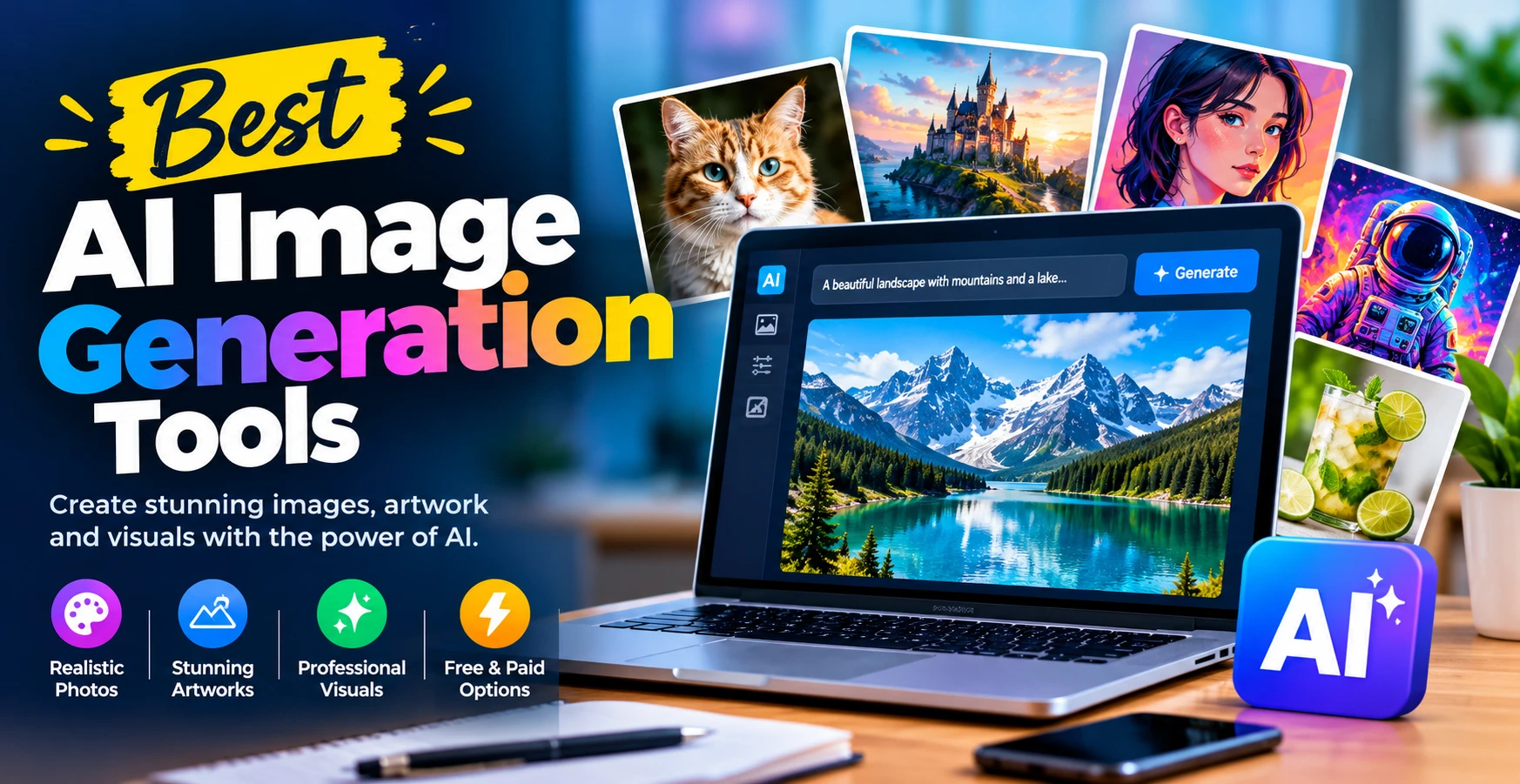
AI image generation tools are changing the way people create digital images, illustrations, product visuals, and marketing graphics. Instead of spending hours learning complex design software, users can now describe an image in simple words and let artificial intelligence turn their ideas into visuals. Whether you are a blogger, content creator, business owner, designer, or social media marketer, the right AI image generator can help you produce attractive images with less time and effort.
In 2026, AI image generators offer more than basic text-to-image features. Many tools support image editing, style customization, reference images, realistic photography, and creative design workflows. However, every platform has different strengths, pricing options, and limitations. Understanding these differences can help you choose the best tool for your needs.
Best AI Image Generation Tools Compared
Before choosing an AI image generator, compare the main strengths of each platform. The best option depends on your creative needs, budget, and preferred workflow.
| AI Image Generation Tool | Best For | Main Advantage |
| ChatGPT | Beginners and bloggers | Conversational image creation |
| Midjourney | Digital artists | Artistic and detailed visuals |
| Adobe Firefly | Professional designers | Integration with Adobe tools |
| Google Gemini | Everyday image creation | Conversational workflow |
| Leonardo AI | Game assets and digital art | Creative customization |
| Ideogram | Posters and text-based graphics | Typography-focused generation |
| FLUX-Based Tools | Realistic images and experimentation | Different model and platform options |
| Canva AI | Social media and marketing | Built-in design templates |
| Microsoft Designer | Quick graphics | AI-assisted design workflow |
| Recraft | Icons and illustrations | Design-oriented assets |
What Are AI Image Generation Tools?
AI image generation tools are software applications that use artificial intelligence models to create or modify images based on text prompts, reference pictures, or other inputs.
For example, you could enter a prompt such as “a modern technology workspace with a laptop, blue lighting, and a realistic professional atmosphere.” The tool interprets your instructions and generates an image based on the description.
These tools can create different types of visuals, including:
- Realistic photographs and portraits
- Blog featured images and illustrations
- Social media graphics
- Product photography concepts
- Digital art and fantasy scenes
- Marketing and advertising visuals
- Concept art for games and videos
Some platforms also let users edit existing images, remove backgrounds, change objects, or expand an image beyond its original borders.
10 Best AI Image Generation Tools to Try in 2026
Choosing the best AI image generator depends on your budget, creative goals, and the level of control you need. Here are ten popular options worth exploring.
1. ChatGPT Image Generation
ChatGPT is a useful option for people who want to create images through natural conversations. You can describe what you want, request changes, and refine the result without rewriting the entire prompt every time.
For example, bloggers can request a professional featured image for a technology article, then ask for a different composition, lighting style, or background.
Best for: Beginners, bloggers, marketers, and general-purpose image creation.
Key advantage: Conversational prompting and iterative editing make it easier to communicate creative ideas.
2. Midjourney
Midjourney is known for its distinctive visual style and ability to create detailed, artistic images. It is particularly popular among digital artists, designers, and creators who want polished visual compositions.
Users can experiment with different styles, lighting, camera angles, and artistic directions to develop a specific visual identity.
Best for: Concept art, creative illustrations, cinematic scenes, and stylized visuals.
Key advantage: Strong artistic aesthetics and detailed compositions.
3. Adobe Firefly
Adobe Firefly offers AI-powered image generation and editing features within Adobe’s creative ecosystem. It can be useful for designers who already work with tools such as Photoshop and other Creative Cloud applications.
Depending on the available feature, users can generate images, make targeted edits, or explore variations for advertising and creative projects.
Best for: Designers, marketing teams, and professional creative workflows.
Key advantage: Integration with Adobe’s design and editing environment.
4. Google Gemini Image Generation
Google Gemini provides image-generation capabilities through supported models and features. Users can describe a visual idea, explore different concepts, and refine images through conversational instructions.
It can be particularly convenient for people who already use Google’s AI tools for writing, research, and productivity.
Best for: Everyday creative tasks, brainstorming, and conversational image creation.
Key advantage: A familiar conversational workflow within Google’s AI ecosystem.
5. Leonardo AI
Leonardo AI is designed for creative image generation, with tools and controls that can support a range of artistic projects. Depending on the current model and plan, users can explore different styles, generate variations, and work with reference images.
It can be useful for creators who want more control over the appearance of their generated visuals.
Best for: Game assets, character concepts, illustrations, and digital artwork.
Key advantage: Creative customization and a variety of visual styles.
6. Ideogram
Ideogram is particularly relevant when an image needs to include readable text, such as a poster, promotional graphic, or social media design. Text rendering performance can vary depending on the prompt and model, so important wording should always be checked.
For commercial designs, users should review the final image carefully before publishing it.
Best for: Posters, typography-focused visuals, and promotional concepts.
Key advantage: A strong focus on combining imagery with text.
7. FLUX-Based Image Generators
FLUX refers to a family of image-generation models available through different platforms and implementations. Depending on the specific model and interface, these systems can support realistic images, creative illustrations, and detailed prompt-based generation.
Access, editing features, costs, and usage rights vary between providers.
Best for: Users who want to experiment with realistic visuals and different generation workflows.
Key advantage: Flexible model options across supported platforms.
8. Canva AI Image Generator
Canva combines AI image creation with a broader graphic-design platform. This makes it convenient for people who need to place generated images directly into presentations, social media posts, advertisements, or marketing materials.
Instead of moving between several applications, users can generate a visual and continue designing within the same workspace.
Best for: Small businesses, social media managers, and non-designers.
Key advantage: Image generation alongside templates and design tools.
9. Microsoft Designer
Microsoft Designer provides AI-assisted design features that can help users create visual content for personal and professional projects. Available features may vary by account, region, and product updates.
It is worth considering when you need quick graphics and want a straightforward design experience.
Best for: Beginners, everyday graphics, and simple promotional designs.
Key advantage: An accessible approach to AI-assisted visual creation.
10. Recraft
Recraft focuses on visual creation and design-oriented workflows, including capabilities for illustrations and vector-style graphics where supported. It can be helpful for creators who need assets that fit a consistent brand identity.
Designers should verify export formats and editing capabilities before choosing a plan for a specific project.
Best for: Brand assets, icons, illustrations, and design projects.
Key advantage: A focus on design-oriented visual assets.
How to Choose the Best AI Image Generation Tools
Not every image generator is suitable for every project. Before choosing a platform, consider the following factors.
1. Image Quality
Look for a tool that produces the style you need. Photorealistic product images require different capabilities from cartoon illustrations or abstract artwork.
2. Ease of Use
Beginners may prefer tools that accept natural-language instructions. More experienced designers might want additional controls for composition, style, and image editing.
3. Pricing and Free Credits
Some platforms provide free access with usage limits, while others require subscriptions or paid credits for certain features. Check the current pricing and limits before committing to a service.
4. Editing Features
Generating an image is only part of the process. The ability to modify individual elements, change backgrounds, or create variations can make a tool more practical for regular work.
5. Commercial Usage Rights
If you plan to use AI-generated images for client projects, advertisements, or products, review the platform’s current licensing terms. Do not assume that every free or paid plan provides identical commercial rights.
How to Write Better Prompts for AI Image Generation Tools
A clear prompt can improve the relevance and quality of your results. Instead of entering a vague instruction, explain the subject, visual style, composition, lighting, and intended use.
For example, compare these prompts:
Basic prompt: “Create a technology image.”
Improved prompt: “Create a realistic professional technology workspace featuring a modern laptop, soft blue lighting, a clean desk, natural shadows, balanced composition, and a premium editorial photography style. Use a horizontal 16:9 composition suitable for a technology blog featured image.”
The second prompt provides more useful visual details.
For stronger results, include:
- Subject: What should appear in the image?
- Style: Realistic photography, illustration, 3D render, or another look.
- Lighting: Natural daylight, soft studio light, or cinematic lighting.
- Composition: Close-up, wide shot, centered subject, or negative space.
- Aspect ratio: Choose a format that matches the intended platform.
- Restrictions: Mention unwanted objects, visual clutter, or unnecessary text.
You may need several attempts to achieve the desired result. Treat prompt writing as a creative process rather than expecting every generation to be perfect.
Benefits of Using AI Image Generation Tools
AI image generators offer several practical benefits for individuals and businesses.
Faster content production: You can develop visual concepts without starting every project from scratch.
Creative experimentation: Different styles and compositions can be tested quickly.
Lower production barriers: Beginners can create useful visuals without advanced illustration skills.
More customization: Prompts can be adjusted to match a particular topic, audience, or brand.
Support for content marketing: Bloggers can create relevant featured images, while businesses can explore advertising concepts and social media graphics.
However, AI-generated visuals still require human review. Images may contain distorted details, inconsistent objects, or other errors that need correction.
Are AI Image Generation Tools Free?
Some AI image generation tools offer free plans, limited credits, or trial access. Others require a subscription or payment for additional generations and advanced features.
The exact limits can change over time. Before selecting a platform, check how many images you can generate, whether downloads are included, what resolution is available, and whether advanced editing requires payment.
If you only create a few blog images each month, a free tier may be sufficient. If you produce visuals regularly for clients or a business, a paid plan may provide a more convenient workflow.
Are AI-Generated Images Safe to Use Commercially?
AI-generated images can be useful for commercial projects, but their legal and practical considerations should not be ignored.
Review the provider’s terms of service and licensing conditions. Avoid generating visuals that deliberately imitate protected characters, reproduce copyrighted artwork, or misuse someone’s likeness. Also, check whether the image contains unintended logos, trademarks, or misleading details.
For important commercial campaigns, keep records of the tool and plan used, review the output carefully, and seek appropriate legal guidance when necessary.
Final Thoughts
The best AI image generation tools depend on what you want to create. ChatGPT is useful for conversational image creation, Midjourney is worth exploring for artistic visuals, Adobe Firefly suits many design workflows, and Canva can simplify the process of turning images into finished marketing materials. Other platforms offer specialized strengths for typography, illustrations, and creative assets.
Start by identifying your main purpose, testing a few tools, and comparing their image quality, editing features, pricing, and usage rights. With clear prompts and careful review, AI image generators can become a valuable part of your content creation workflow.
Frequently Asked Questions
Popular options include ChatGPT, Midjourney, Adobe Firefly, Google Gemini, Leonardo AI, Ideogram, Canva, Microsoft Designer, Recraft, and platforms offering FLUX-based models. The best choice depends on your requirements.
ChatGPT and Canva are worth considering because they offer accessible workflows. The right option depends on the features available to your account and the type of images you want to create.
Yes. Many modern image generators can produce realistic-looking portraits, product concepts, landscapes, and other scenes. Results vary by model, prompt, and editing capabilities.
Generally, yes, subject to the tool’s terms and applicable laws. Review the licensing conditions, check the image for errors, and avoid using misleading visuals.
Write detailed prompts that describe the subject, style, lighting, composition, and intended use. Generate variations and refine the result until it meets your requirements.
These tools can automate some visual tasks, but they do not eliminate the need for creative judgment, brand strategy, layout skills, and professional editing. They are often most useful as part of a designer’s workflow.