Video editing tips are more important than ever in today’s content-driven world. Video content is everywhere right now—from YouTube and TikTok to online courses and business ads—and it has become one of the most powerful ways to communicate. But creating a good video isn’t just about recording clips; it’s about how you edit them. The right editing choices can turn an average video into something engaging, professional, and memorable. In this guide, I’ll share practical, real-world video editing tips used by professional editors. Whether you’re a beginner editing your first video or improving quality for YouTube, social media, or clients in the USA, this article will help you edit smarter, not harder.
Table of Contents
ToggleWhy Video Editing Matters More Than Ever
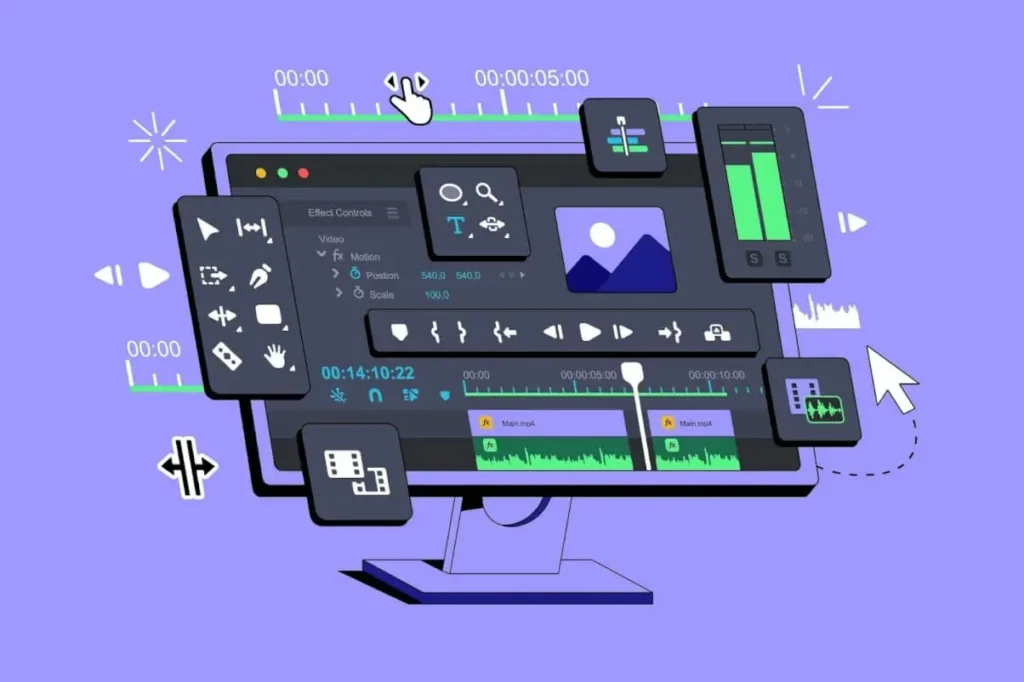
People decide within just a few seconds whether to keep watching a video or scroll away. In today’s fast-paced digital world, attention spans are short, and viewers expect smooth visuals from the very first moment. Clean cuts, good pacing, clear visuals, and well-timed transitions help your video feel engaging and easy to watch. On the other hand, poor editing—such as awkward cuts, slow scenes, or messy visuals—quickly pushes viewers away and hurts your content’s performance
Good editing helps you:
- Hold attention longer
- Tell a clear story
- Look professional and trustworthy
- Increase watch time and conversions
That’s why learning solid video editing tips is essential if you want results.
1. Start With a Clear Goal Before Editing
Before opening your editing software, ask one simple question:
What is this video for?
Is it:
- A YouTube tutorial
- A product promo
- A short-form social media clip
- A corporate or client video
Your goal decides:
- Video length
- Style and pacing
- Text and transitions
- Music choice
Pro tip: Write a rough outline or script first. Editing becomes faster and more focused.
2. Organize Your Files Like a Pro
This is one of the most overlooked video editing tips, especially for beginners.
Before editing, create folders like:
- Footage
- Audio
- Music
- Images
- Exports
A clean workspace:
- Saves time
- Reduces mistakes
- Makes revisions easy
Professional editors never work with messy files — and neither should you.
3. Choose the Right Video Editing Software
You don’t need expensive tools to edit great videos. What matters is using software that fits your skill level and goals.
Popular Options (USA Market)
Skill Level | Software |
Beginner | iMovie, CapCut, Canva Video |
Intermediate | Filmora, DaVinci Resolve |
Professional | Adobe Premiere Pro, Final Cut Pro |
Tip: Master one tool instead of jumping between many.
4. Cut First, Add Effects Later
One of the most important video editing tips:
Focus on cuts before effects.
Start with:
- Removing mistakes
- Cutting long pauses
- Tightening dialogue
Once your video flows smoothly, then add:
- Transitions
- Text
- Music
- Effects
Good editing is invisible. Overusing effects often hurts quality.
5. Keep Your Cuts Clean and Natural
Jump cuts are fine, but bad cuts feel awkward.
To improve cuts:
- Cut on movement
- Cut on sentence breaks
- Avoid cutting mid-word
If something feels off while watching, trust your instinct and re-cut.
6. Use Music the Right Way
Music sets the mood, but it should never overpower the video.
Smart Music Tips
- Lower music volume under voice (around -18 to -25 dB)
- Match music style with video tone
- Fade music in and out smoothly
Always use royalty-free music to avoid copyright issues on YouTube and social platforms.
7. Improve Audio Quality First (Not Video)
Viewers will forgive slightly bad video, but not bad audio.
Essential audio editing tips:
- Remove background noise
- Normalize voice levels
- Use EQ to make speech clear
If your audio sounds clean, your video instantly feels more professional.
8. Color Correction Comes Before Color Grading
Many beginners confuse these two.
- Color correction: Fix exposure, white balance, and contrast
- Color grading: Add style or mood
Always correct first, then grade lightly. Overdoing color is a common mistake.
9. Keep Text Simple and Readable
Text helps guide viewers, but too much text kills engagement.
Best practices:
- Use large, readable fonts
- Keep text on screen long enough to read
- Stick to 1–2 fonts max
For social media, always assume viewers are watching on mobile.
10. Edit for the Platform You’re Publishing On
One video does not fit all platforms.
Platform-Based Video Editing Tips
- YouTube: Longer videos, strong storytelling
- Instagram Reels / TikTok: Fast cuts, captions, vertical format
- Facebook: Hook in first 3 seconds
- Business videos: Clean, professional pacing
Always export in the correct resolution and aspect ratio.
11. Don’t Overuse Transitions
Transitions should support the story, not distract from it.
Best transitions:
- Simple cuts
- Cross dissolves (when needed)
Avoid flashy transitions unless your content style truly demands it.
12. Use B-Roll to Make Videos Engaging
B-roll is extra footage that supports the main video.
Examples:
- Screen recordings
- Product shots
- Reaction shots
- Stock clips
B-roll:
- Hides jump cuts
- Adds visual interest
- Improves storytelling
This is one of the most powerful video editing tips for YouTubers.
13. Watch Your Video Like a Viewer, Not an Editor
After editing, take a break. Then watch your video from start to end without stopping.
Ask yourself:
- Is it boring anywhere?
- Does it flow naturally?
- Would I keep watching this?
If the answer is no, make changes.
14. Export Settings Matter
Bad export settings can ruin great editing.
Recommended Export Settings (General)
- Resolution: 1080p or 4K
- Format: MP4 (H.264)
- Frame Rate: Match original footage
Always test your exported video before publishing.
15. Practice, Review, Improve
The best editors didn’t become great overnight.
To improve faster:
- Re-edit old videos
- Study popular creators
- Ask for feedback
- Learn one new technique at a time
Consistent practice is the ultimate secret behind mastering video editing tips.
Common Video Editing Mistakes to Avoid
- Overusing effects
- Ignoring audio quality
- Too much text
- Poor pacing
- Not editing for mobile users
Avoid these, and your videos will instantly improve.
Final Thoughts: Edit With Purpose, Not Pressure
Great videos aren’t made by accident. They’re made by applying smart, simple video editing tips consistently.
Focus on:
- Clear storytelling
- Clean audio
- Smooth pacing
- Viewer experience
If you edit with intention and keep improving step by step, your videos will stand out — whether you’re creating content for YouTube, social media, or clients in the USA.
FAQ: Video Editing Tips
What are the best video editing tips for beginners?
Start with clean cuts, good audio, simple text, and basic color correction. Avoid complex effects early on.
How long does it take to learn video editing?
Basic editing can be learned in a few weeks. Professional-level skills take months of consistent practice.
Which video editing software is best in the USA?
Adobe Premiere Pro and Final Cut Pro are popular for professionals, while CapCut and iMovie work well for beginners.
How do I make my videos more engaging?
Use strong hooks, fast pacing, B-roll, captions, and clear storytelling.